Hot Topics
Trend Line Overview
The Trend Line is designed for seamless integration with the KNX system, offering essential functionalities quickly and easily. It serves as the perfect entry-level solution for residential buildings, apartments, or hospitality environments. Key devices in the Trend Line, such as the K and K2, feature built-in standalone servers, enabling control of the KNX system via a mobile application without the need for a Pro Line server. Other devices, like the Piccolo, function as smart clients and require the installation of a server, which can be either a Pro Line or Trend Line server.
Feature
- Grid Layout Pages are composed of a grid that can be filled with predefined widgets of various sizes.
- Navigation A bottom navigation bar allows for immediate page switching.
- Widget Flexibility Widgets can be resized based on a unit concept.
- User Customization In addition to system integrator-configured pages, end-users can have up to 6 preferred pages, where they can add any preconfigured widgets.

Installation Solutions
- Standalone Use Devices can operate as standard KNX keypads/thermostats with KNX connection via TP or KNX/IP.

- Trend Device Server One device acts as the Trend Line server connected to the KNX bus, while other devices function as clients over the network. Remote control is available through a dedicated app.

- Integrated with Pro Line Server Trend Line devices can be used in conjunction with a Pro Line server. Both Pro Line and Trend Line devices can function as clients, with remote control accessible via the Pro Line app.


MQTT Integration
Thinknx products can now communicate with any device supporting the MQTT protocol. MQTT stands for Message Queuing Telemetry Transport, and is designed as an extremely lightweight publish/subscribe messaging transport that is ideal for connecting IoT devices.
A Thinknx server can be configured to work as an MQTT client to connect to a broker/server and subscribe to one or multiple topics, or as an MQTT server itself to handle subscriptions and topics distribution.

Figure: MQTT Overview
Open Weather Map
Thinknx has now added a new system object inside the configurator, the OpenWeatherMap, allowing the server to connect to www.openweathermap.org and read all the weather information available. This data can then be linked to a UI built by the integrator instead of a fixed widget, offering more freedom to create a design that goes with the entire project.
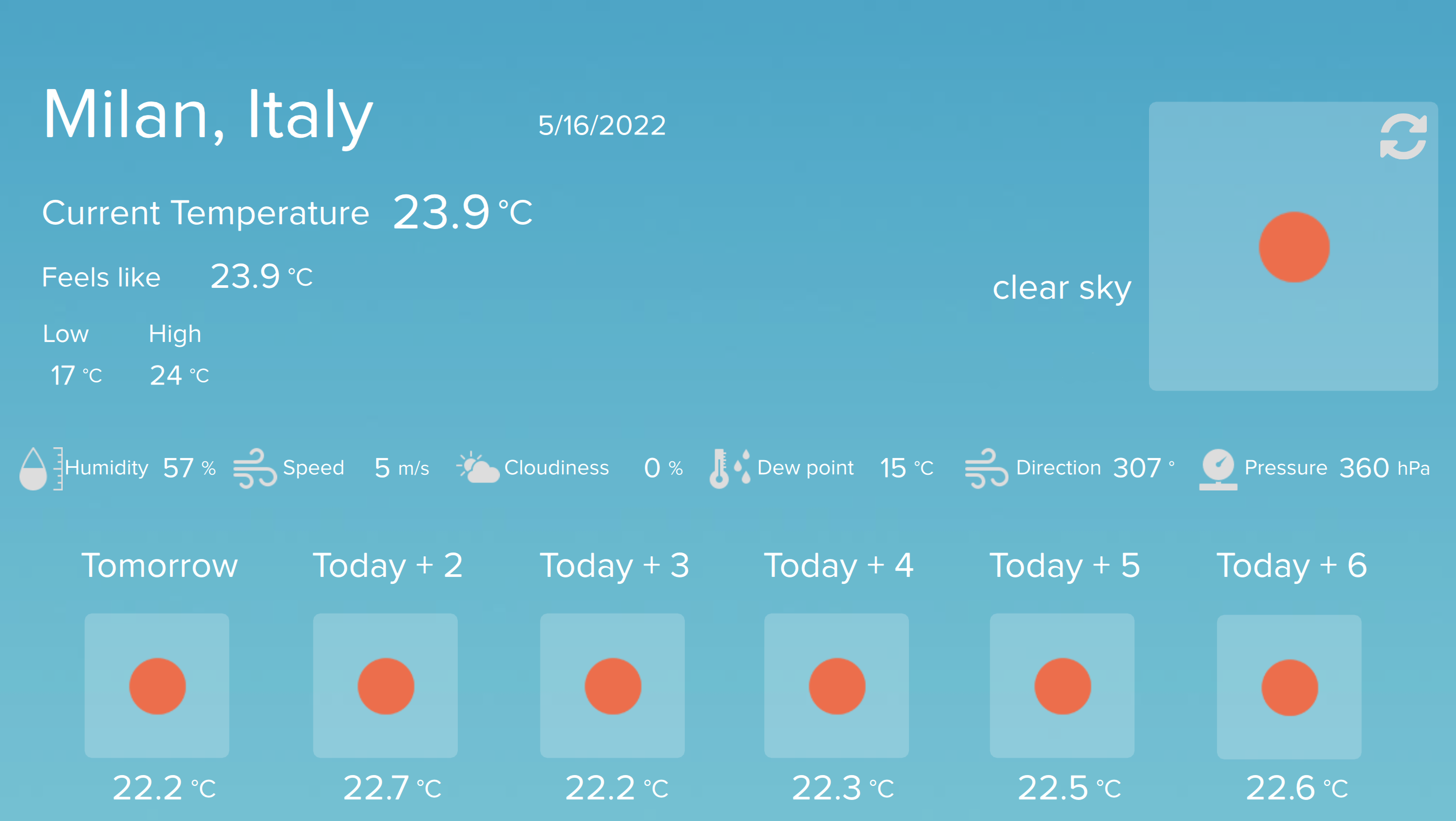
Figure 1: Open Weather Map
New Compact_20 / Compact_DIN
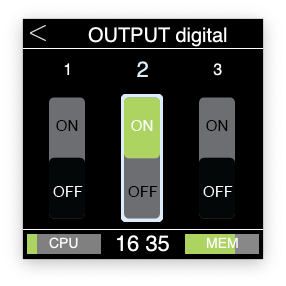
The new Compact is finally here! A completely re-designed server, unlike any product you've ever seen before. Available in two versions, Compact_20 and Compact_DIN, this server offers an extended set of I/O's and two serial ports, in addition to a small monitor allowing the integrator to easily control the inputs and outputs. The Compact_20/Compact_DIN is the perfect fit for all types of projects, and can be upgraded with all available licenses such as Z-Wave, Lutron, Modbus, Intercom, Security and more.

Figure 2: Compact 20 / Compact DIN




Thinknx Portal
Thinknx Portal is a web tool provided by Thinknx Cloud dedicated to system integrators as well as end-users. Its main goal is to monitor and control single installations as well multiple ones such as multi-branch retail stores or companies, clusters of villas or chain hotels. It allows all the installed servers to be virtually connected regardless of their physical location, and controlled from a centralized user interface.

Figure 3: Thinknx Portal
KNXNet/IP Interface
The wait is finally over! With firmware version 1.1.10.13 or above, you can now transform any Thinknx server to a KNXNet/IP interface or router. The server will continue to function as a visualization tool, but it can also be used as KNX programming interface or as a KNX IP router connecting different parts of a KNX system together over IP. The Thinknx server can also communicate with other KNXNet/IP interfaces instead of using its own embedded connection to communicate with the bus.
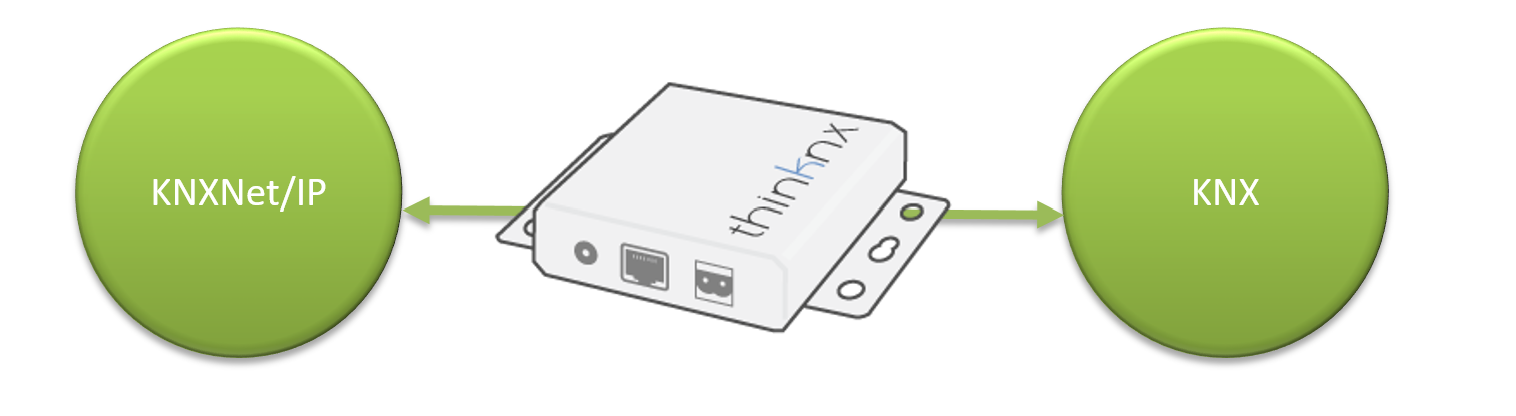
Figure 4: KNXNet/IP Interface
Migration to Thinknx UP
Thinknx UP is a completely redesigned version of the Classic Thinknx software. It includes additional features for the system integrator and the end user. This guide will help you carry out a complete and successful migration, as well as discover the latest upgrades.

Figure 5: Thinknx UP Migration